


-31%

Smart TVs, Televisions
Souria 32 inches 4K UHD Full Touchscreen Smart Mirror Android Smart Waterproof LED TV for Bathroom SPA Salon Kitchen DTV Tuner
Availability:
177 in stock
$1,553.79 $2,248.12
177 in stock

Touch Mirror TV – The Ultimate Fusion of Style & Technology
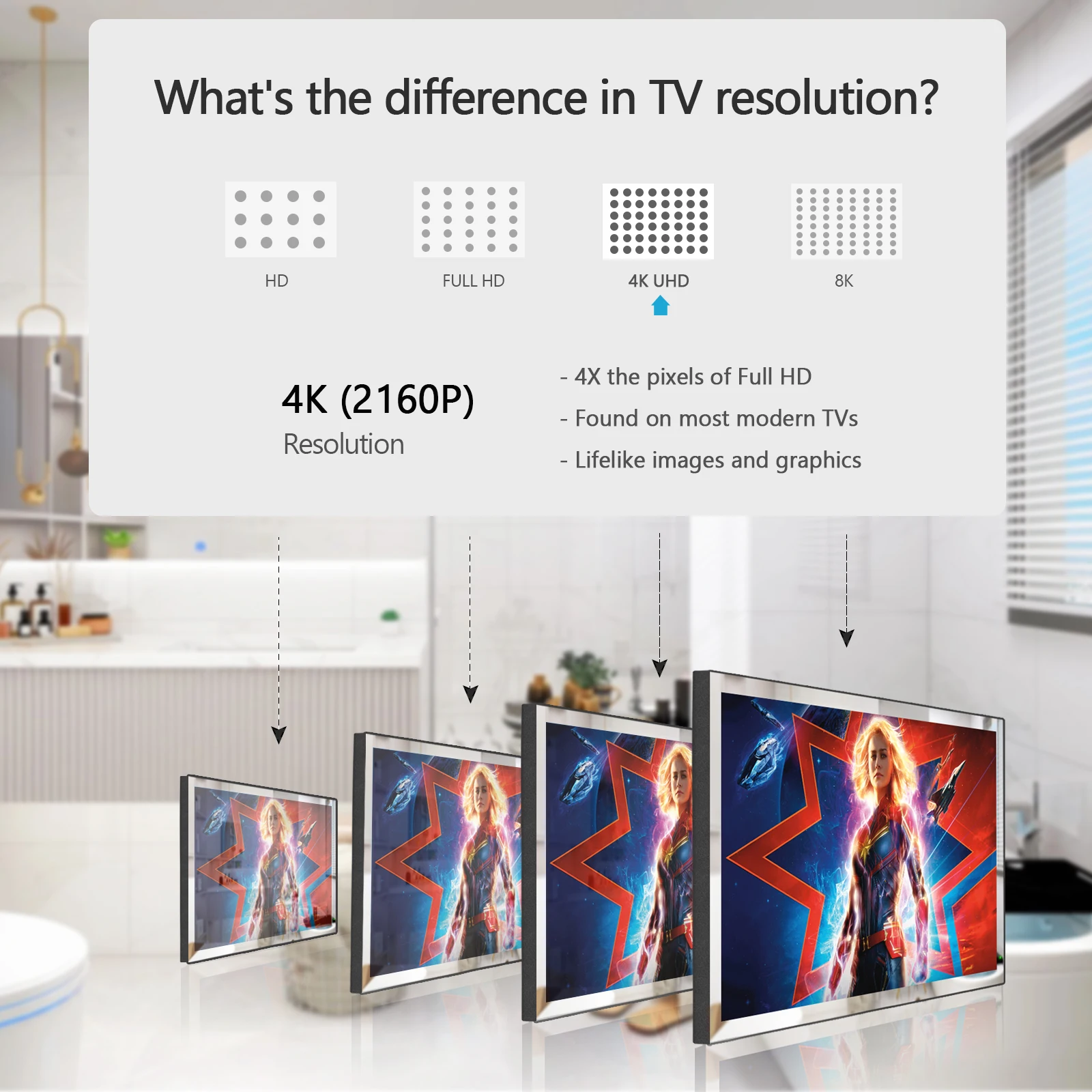
Stunning 4K Ultra HD Brilliance – Immerse yourself in breathtaking visuals with a full touch mirror panel that doubles as a high-definition TV. Experience vivid colors, exceptional brightness, and razor-sharp clarity with 4K Ultra HD at 60fps, delivering 8 million pixels—four times the detail of standard 1080P Full HD.
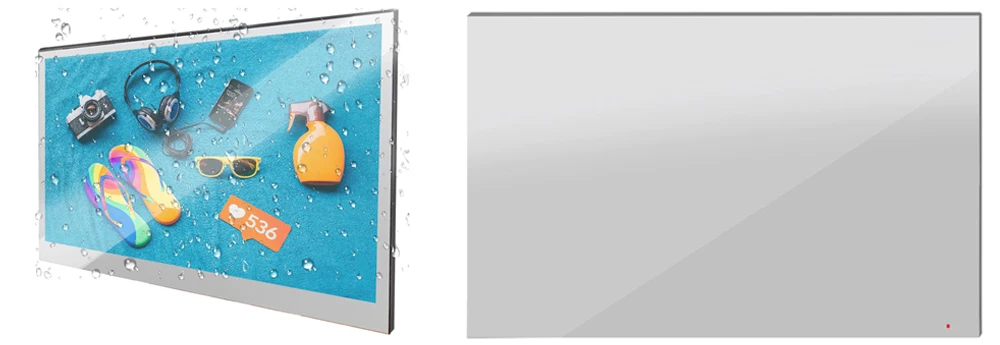
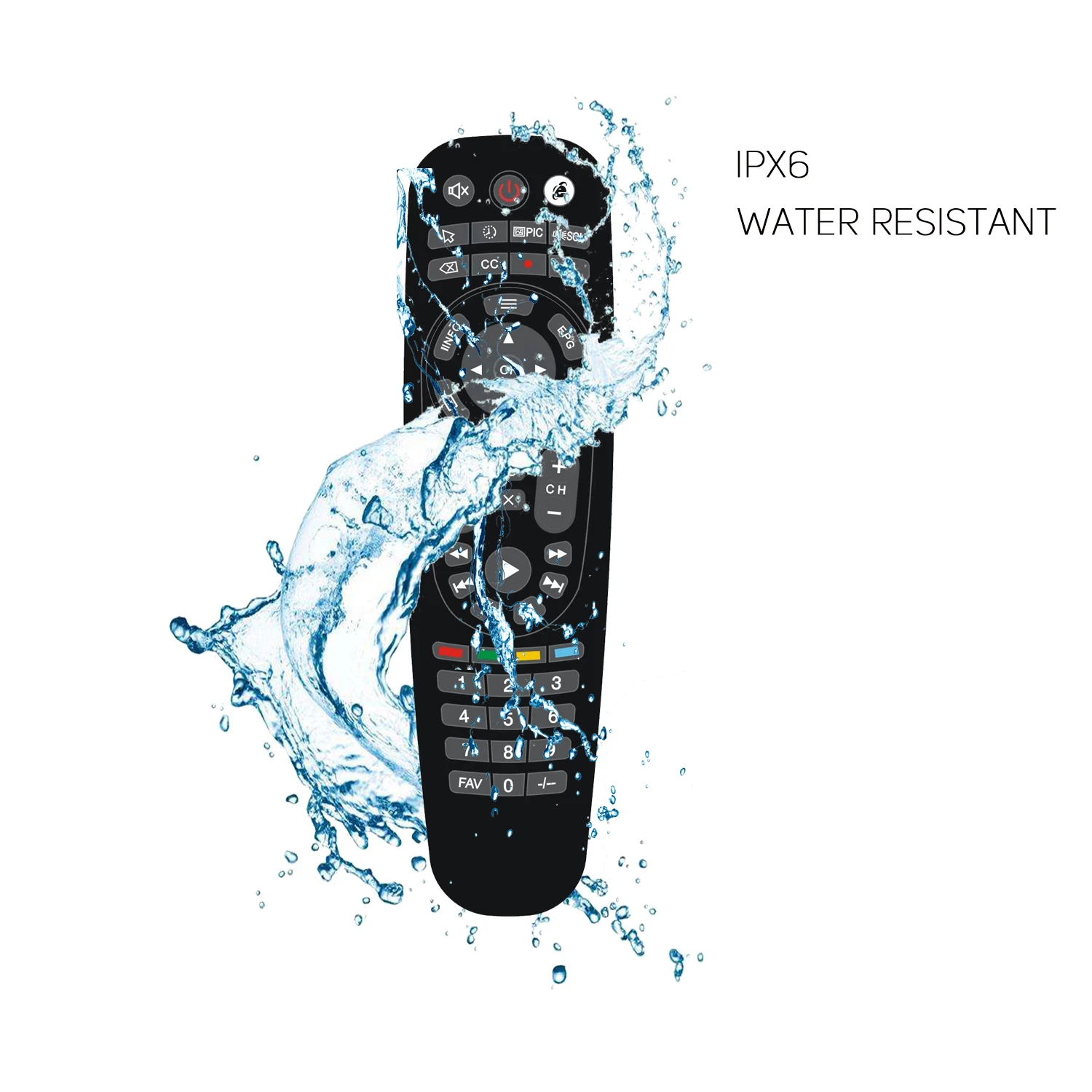
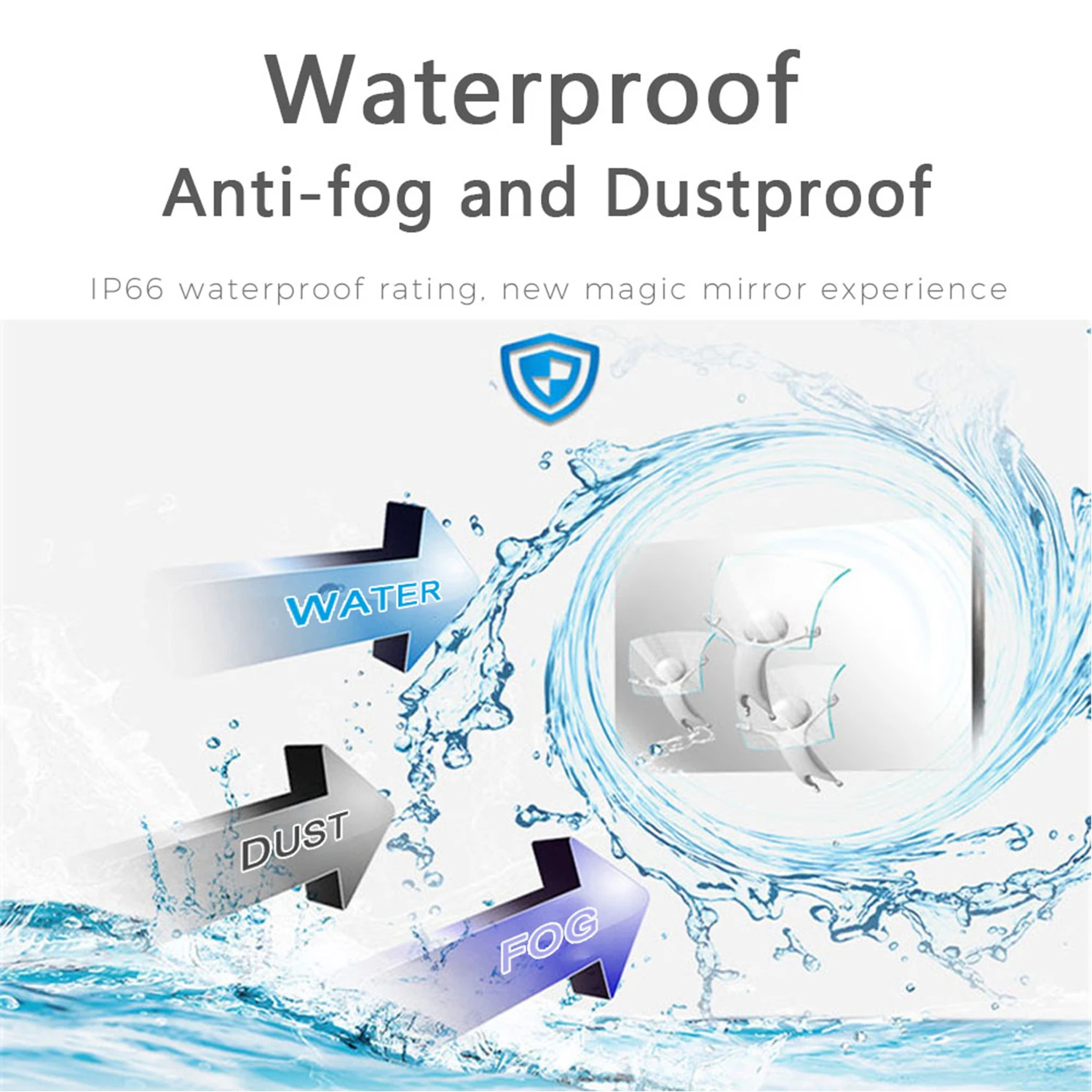
Smart Mirror Panel & Waterproof Design – Seamlessly switch between a frameless mirror and a high-performance TV. Built with an IP65-rated dustproof and waterproof body, including a waterproof remote control, it’s perfect for bathrooms, kitchens, or any indoor space.
Powerful Android 11 OS – Enjoy a smarter, faster, and smoother experience with the latest Android 11.0 OS, powered by a quad-core A55 CPU and multi-core G31MP2 GPU. Stream movies, play games, watch live TV, and explore endless apps with seamless compatibility.
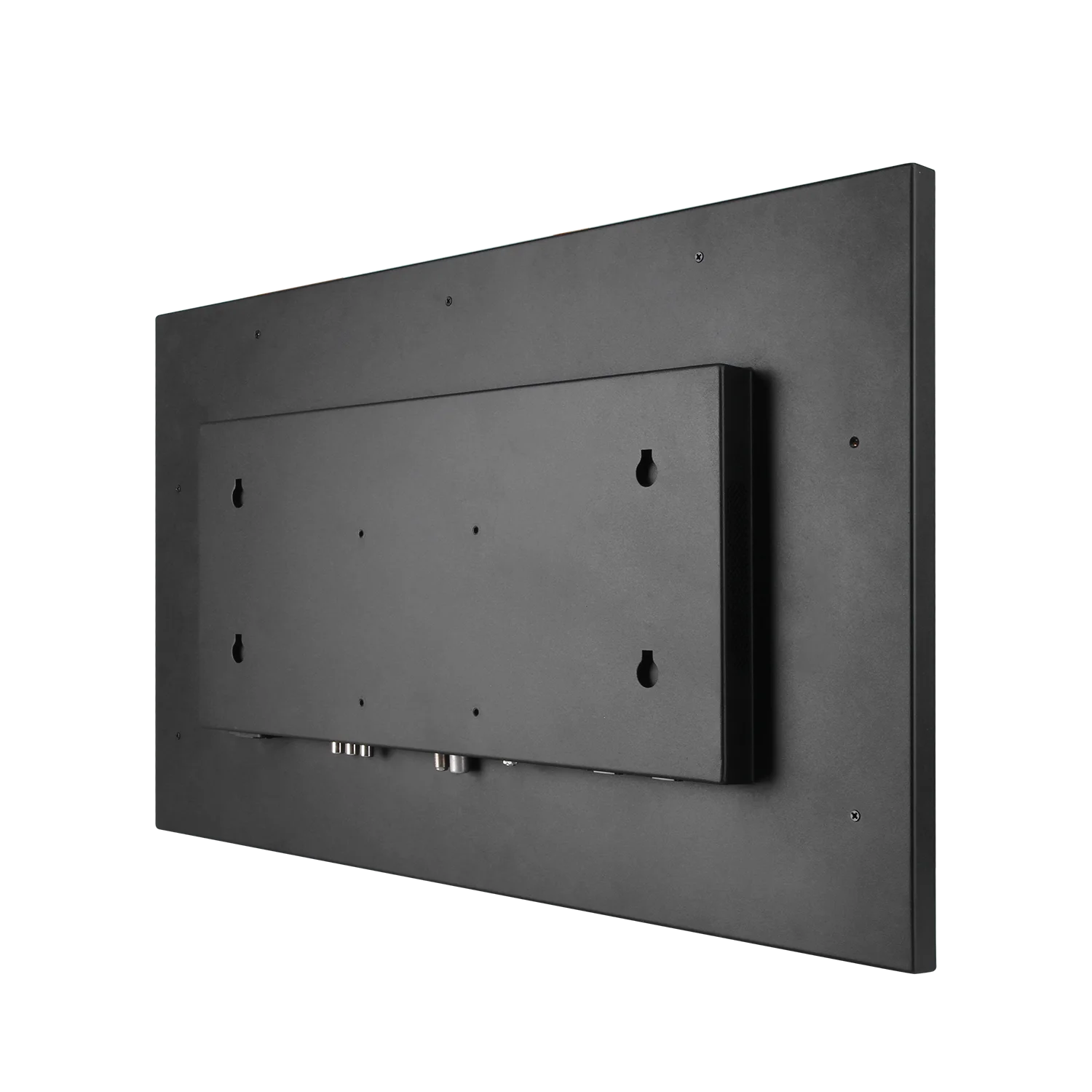
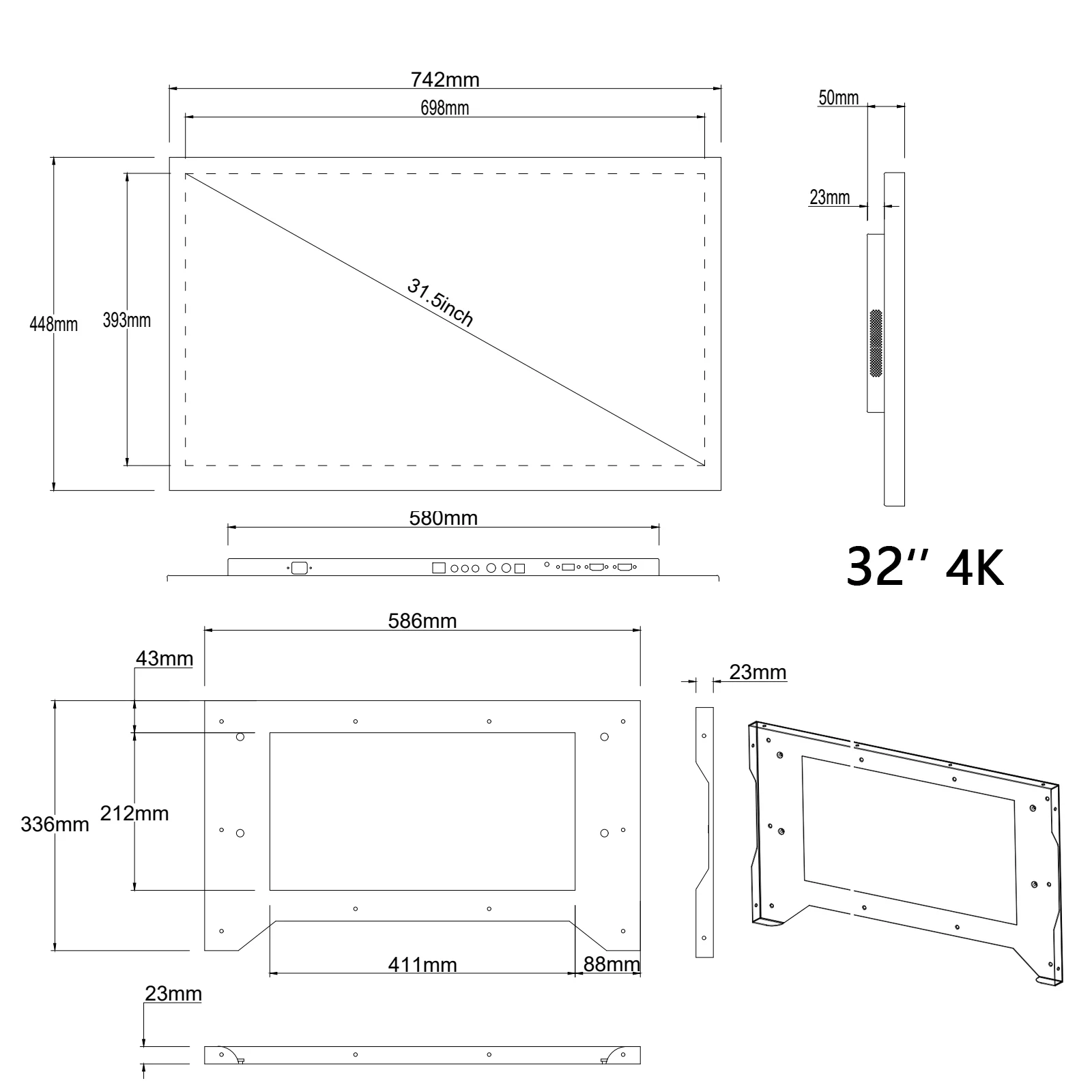
Easy & Flexible Installation – Mount it flush on the wall with the included bracket or place it anywhere using a VESA-compatible mount (100mm x 100mm). TV dimensions (28.7”W x 17.8”H x 2.7”D) ensure a sleek fit in any space.
Mirror TV Usage Tips
For the best experience with your mirror TV, please note:
– 1. Reflection: The mirror surface may reflect light. We’ve optimized the screen for clarity and thinness.
– 2. Lighting: Minimize direct lighting in front of the TV for optimal image quality and reflection. Adjust lighting for the best view. Enjoy the perfect balance of style and performance with your mirror TV!
Smart System:
Operating System: Android 11.0
Resolution: 3840 x 2160 (4K)
Special Features: Waterproof, Mirror Panel, Waterproof Remote
Specification:
Freeview (Digital) TV: Yes
Freeview (Digital) Radio: Yes
DTV System: ATSC/DVB-T/DVB-T2/DVB-C/ISDB-T (According to your country)
Android OS: Android 11.0
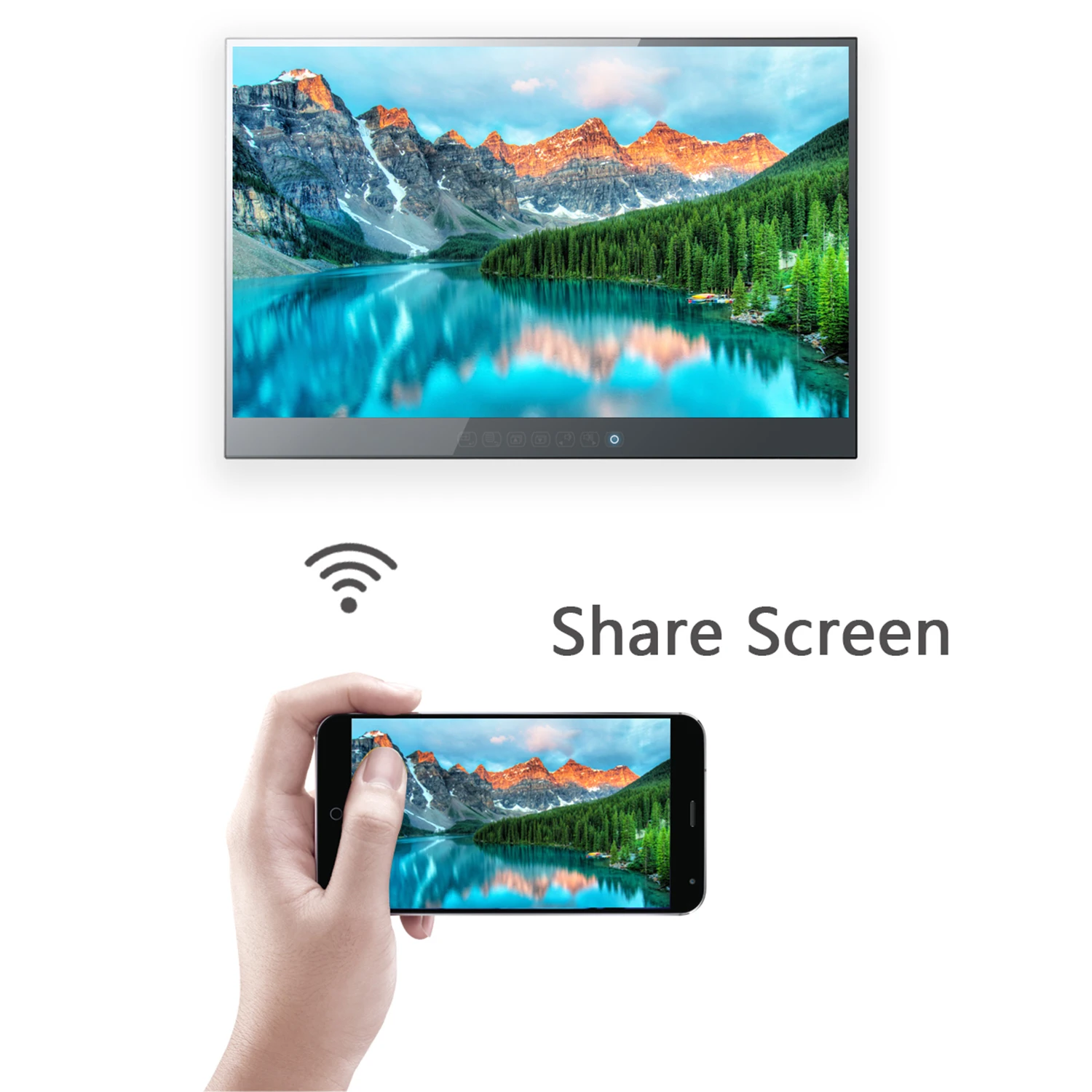
WiFi: Supported
Touch Screen: Supported
Speakers:8Ω10W x 2
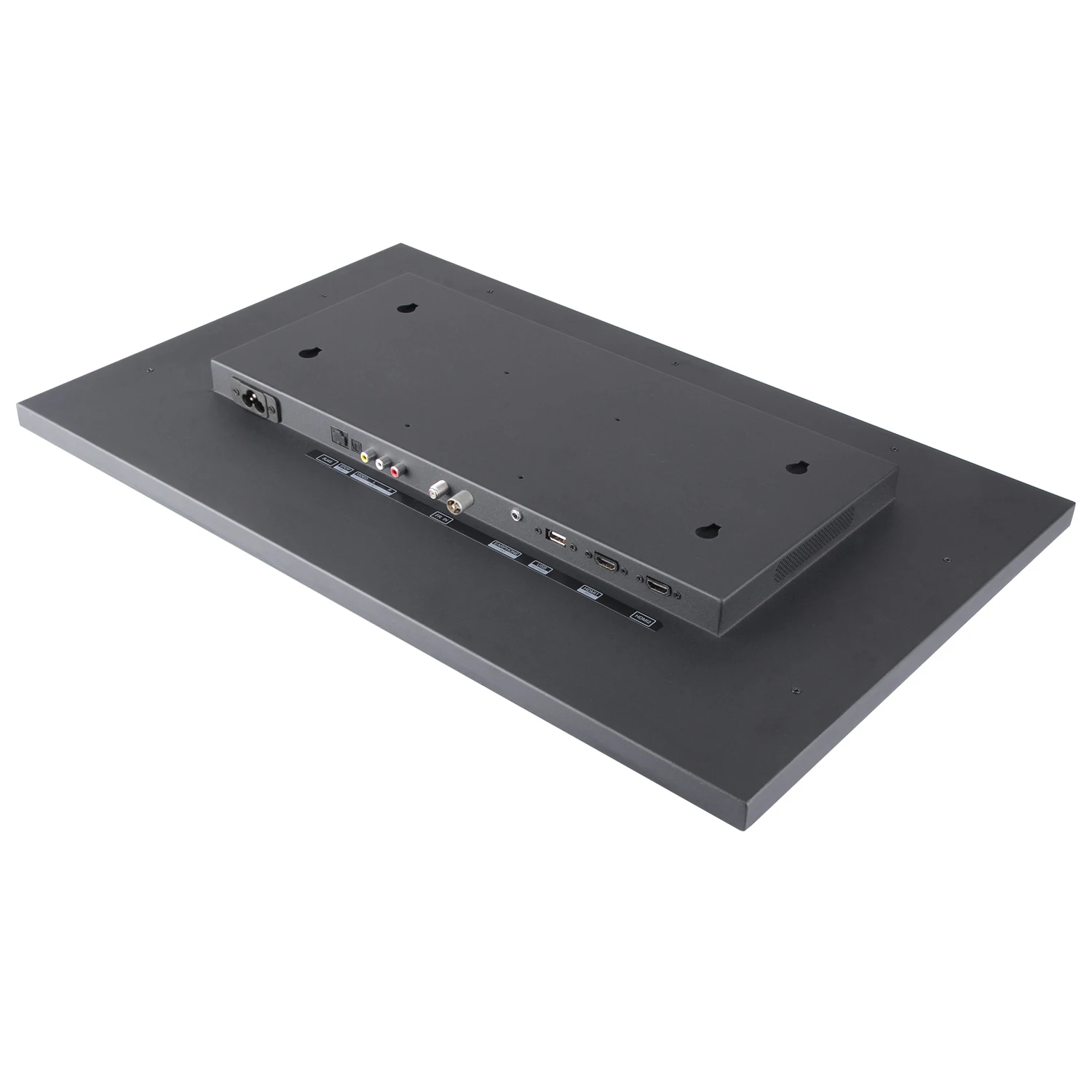
Ports: TV, HDMI*2, USB, Audio Output,LAN(RJ45)
Display Type: LED
Aspect Ratio:16:9
Contrast Ratio: 4000:1
Brightness (cd/m²): 350
Resolution: 3840 x 2160
Display Colors:16.7M
View Angle (°H/V):178/178
Power: AC 100-240V
Accessories & Installation:
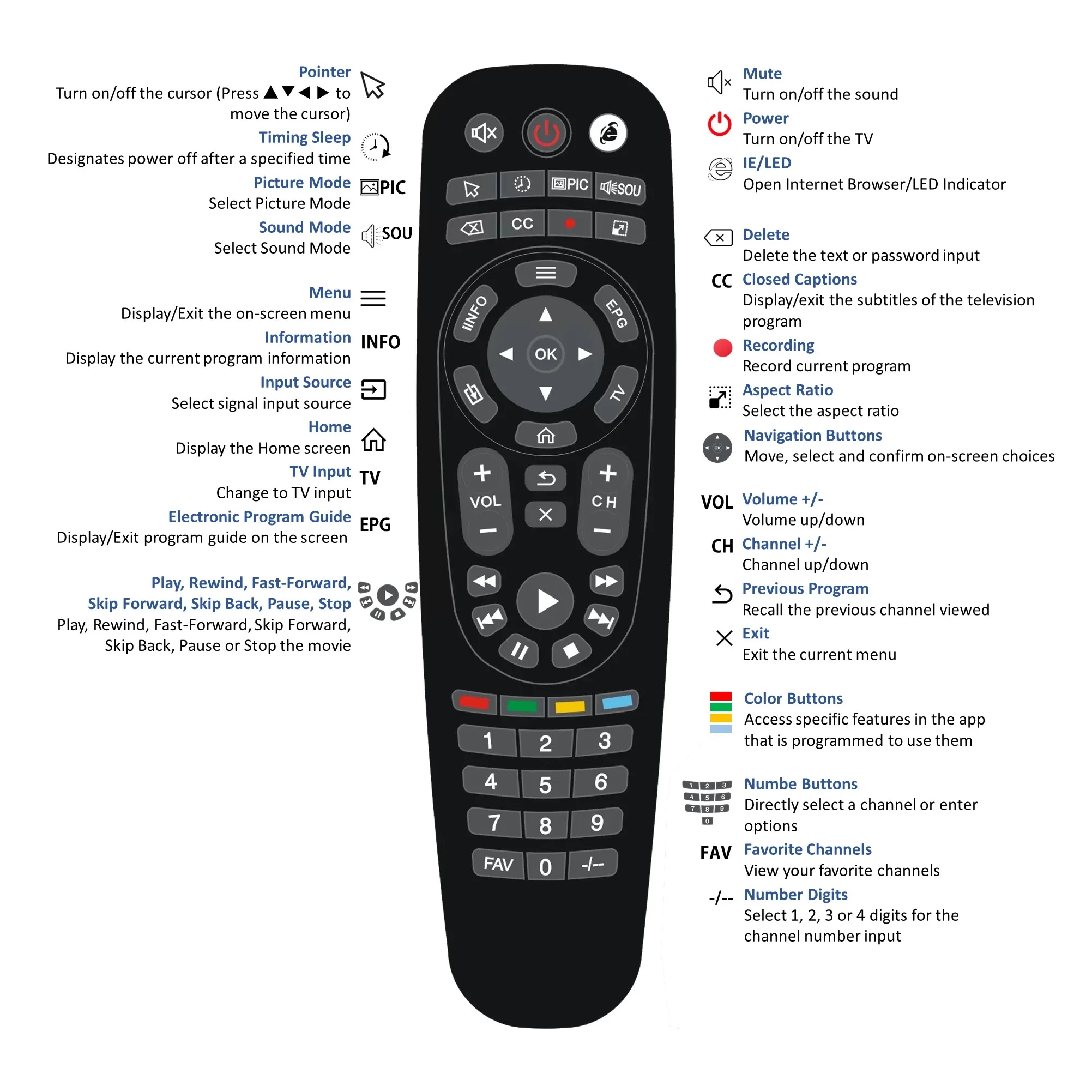
Remote Control Supplied: IR IP65 Waterproof
Battery: 2 PCS AAA Size Batteries (Not Included)
Remote Control Functions: IR remote is designed to be water-resistant with an IPX6 rating, making it capable of withstanding heavy splashes of water. The case, button panel, and battery cover are all water-resistant designed. The remote is easy to use with a comfortable handfeel and responsive buttons.
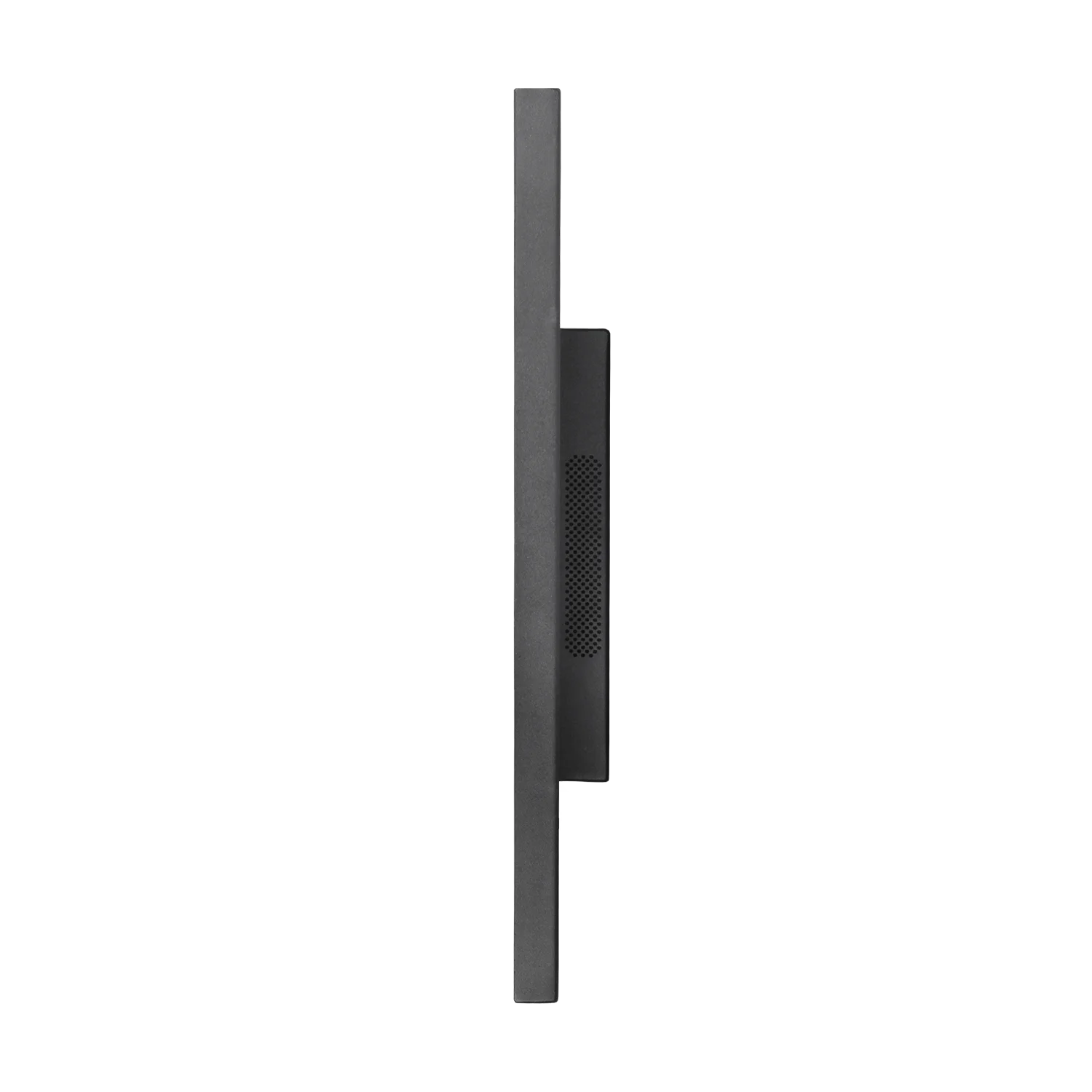
TV Dimensions: 728.6W x 451.1H x 68.6D mm (28.7”W x 17.8”H x 2.7”D)
Recess in Wall Dimensions: 585.5W x 335H x 27D mm (23.1” W x 13.2” H x 1.01” D)
VESA Pattern: 100mm x 100mm
Packing Includes: Mirror TV, Remote Control, Remote Holder, TV Bracket, Screw Set, Manual, Power Cord (With Leakage Breaker)
PRODUCT DETAILS:
A smart mirror, also commonly known as a magic mirror, is a transparent mirror that displays information. The display screen, which is hidden by the reflection of the glass, is a TV. Using the software downloaded from the internet, smart mirror can provide up to date information on the weather, calendar events, news, social media and more.
Detail Images:
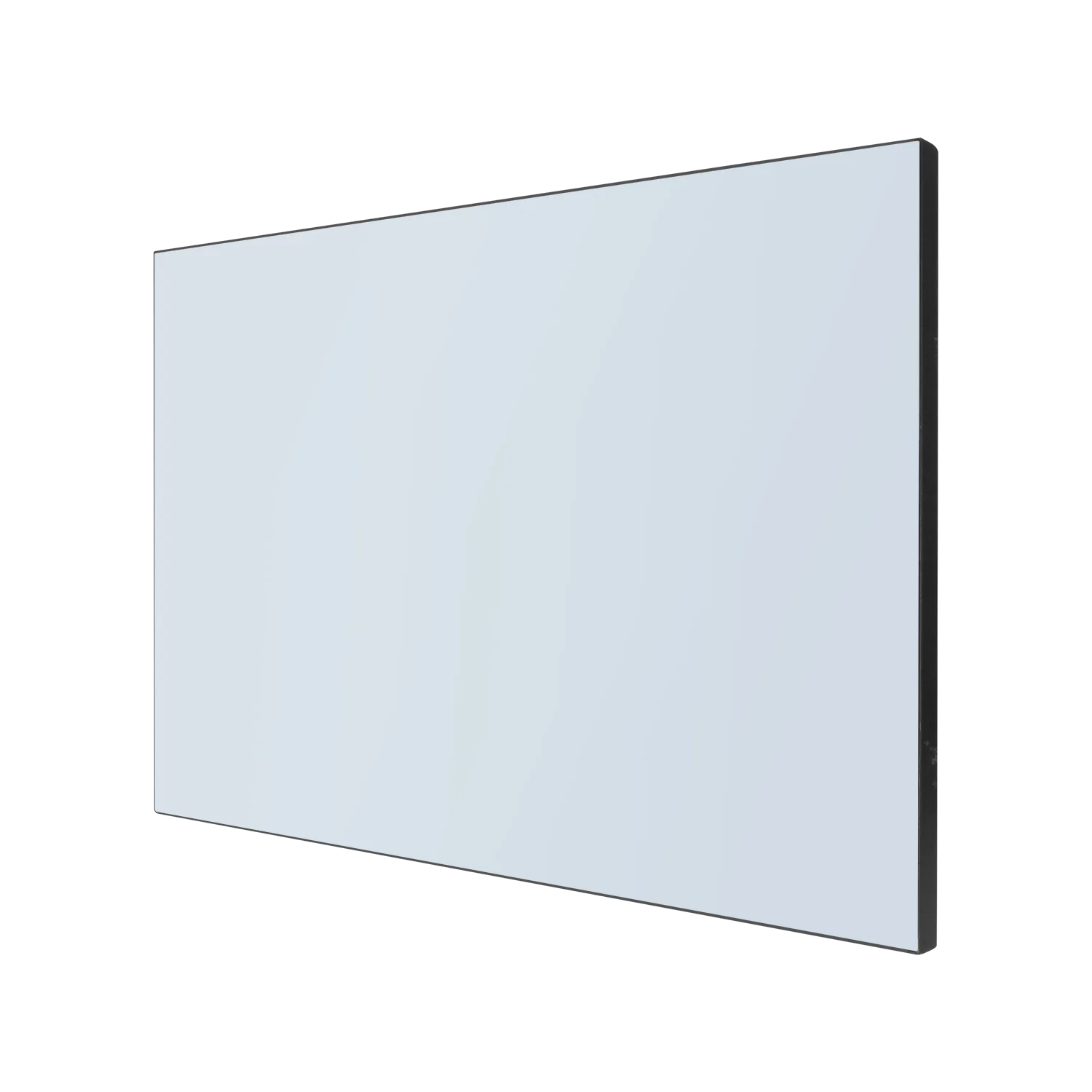
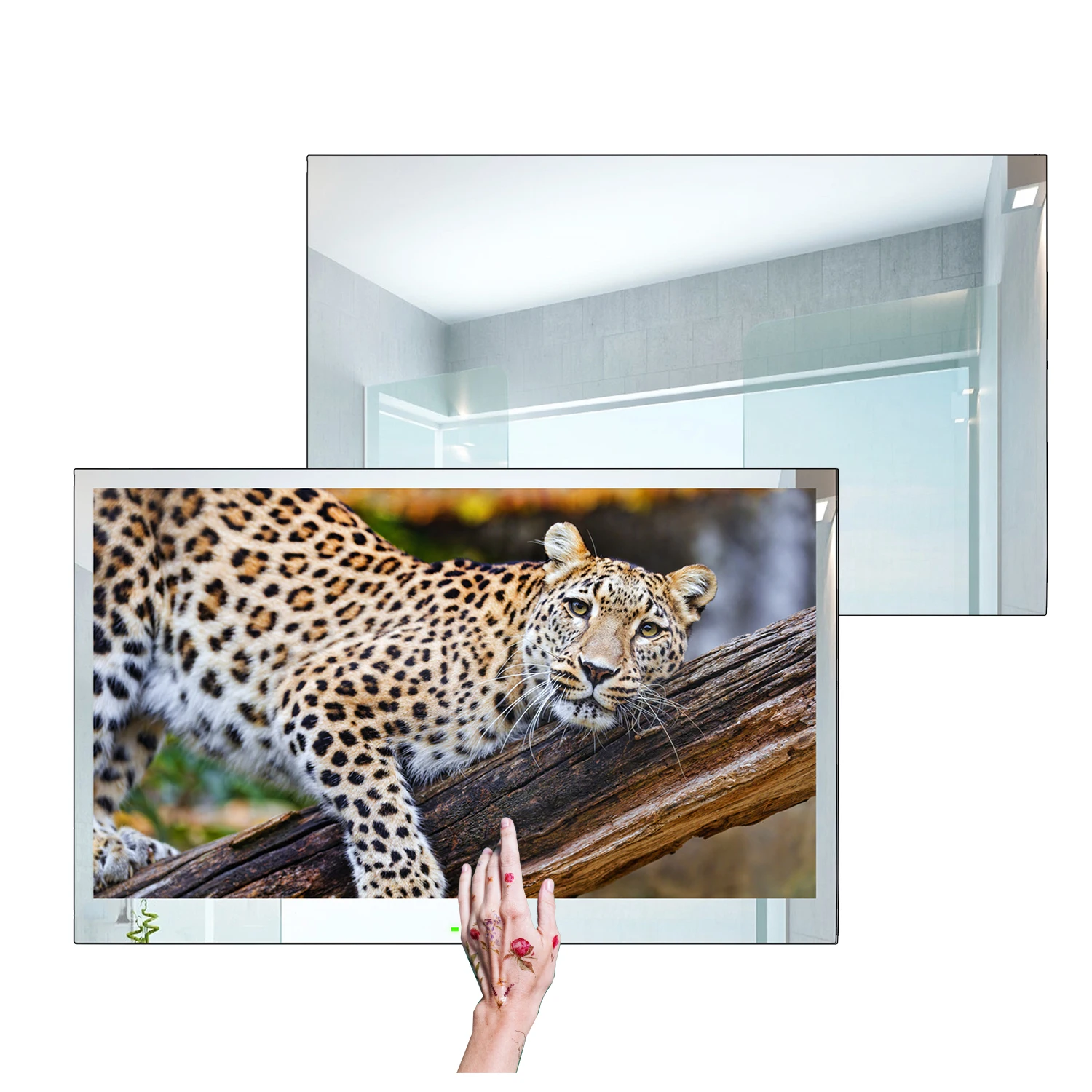
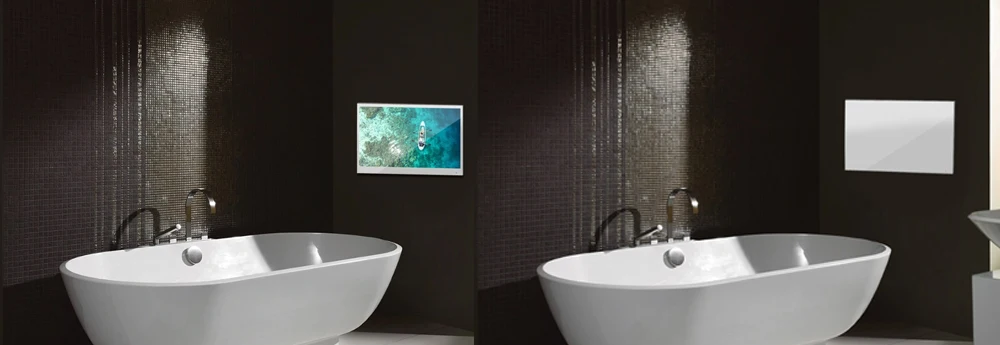
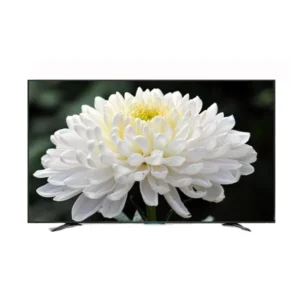
It's a TV when Turned OnIt's a Mirror when Turned Off:
INSTALLATION:
3 optional methods provided to accommodate TV installations
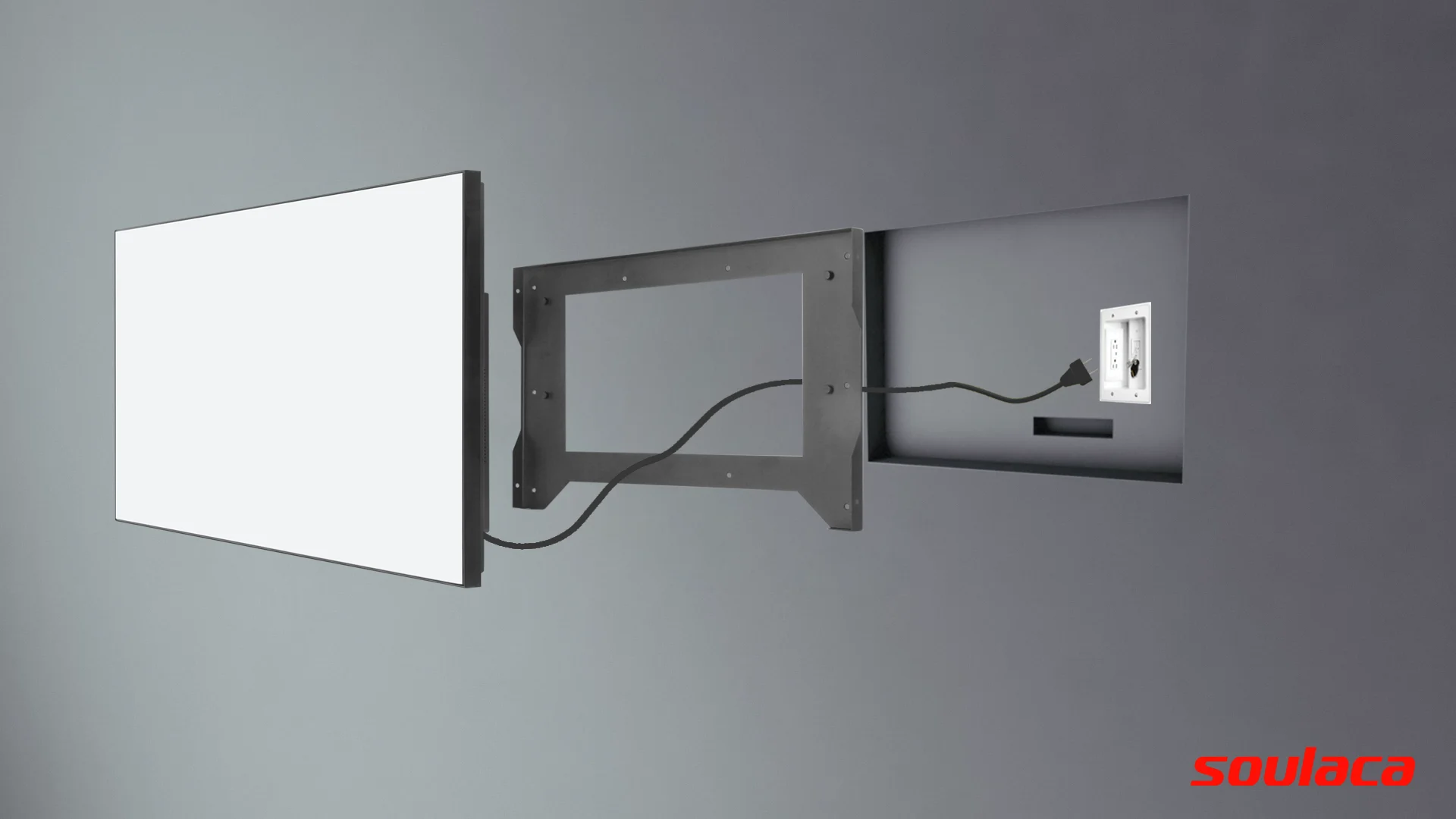
Option 1: In-wall with Embedded Bracket
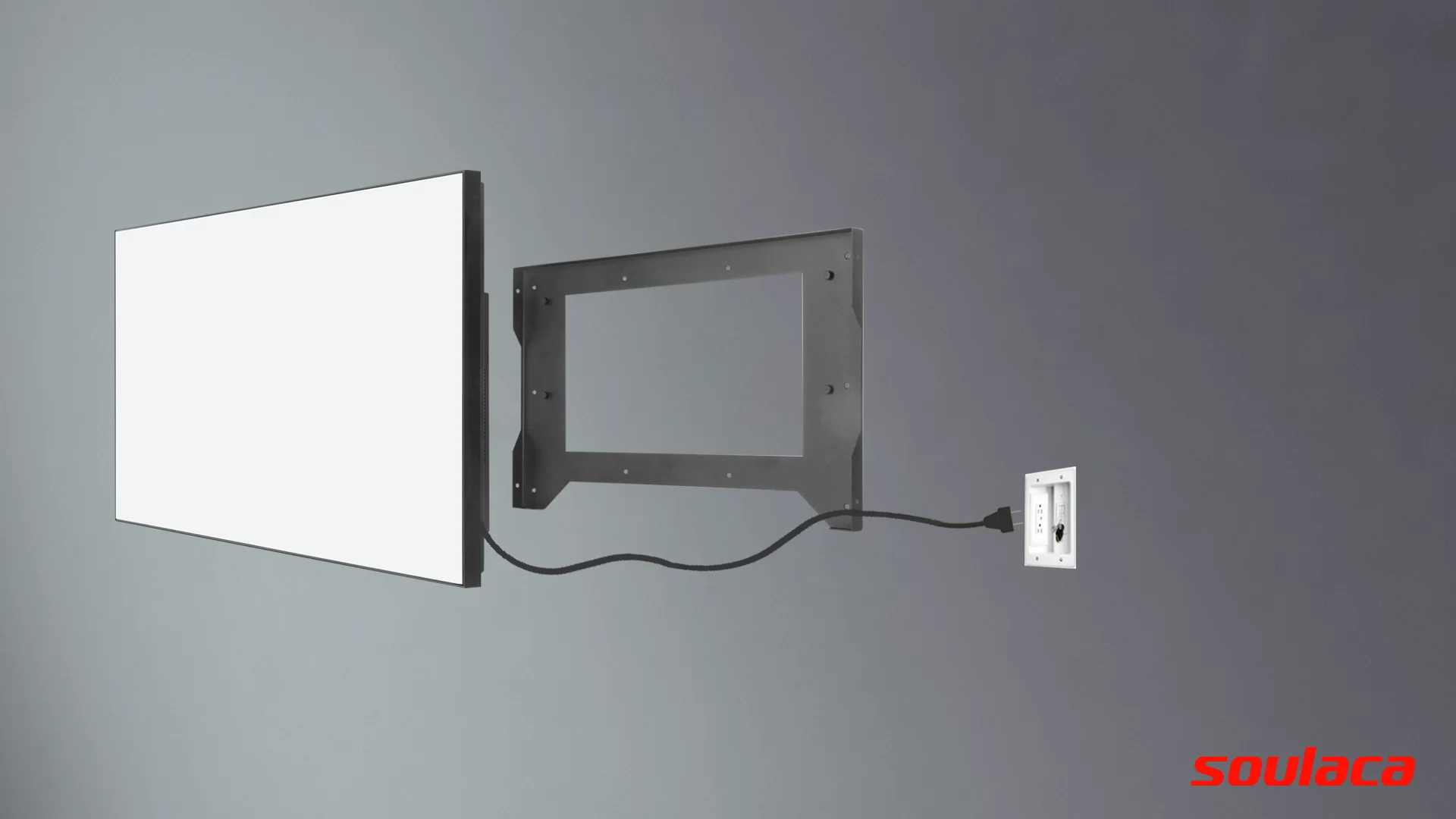
Option 2: On-wall with Embedded Bracket
Option 3: On-wall with VESA Bracket
Option 1: In-wall with Embedded Bracket
-
Create an opening within the chosen area of the wall according to the Embedded Bracket outlines. Leave enough space for the cables and adapter.
-
Set up power and signal circuit and the outlet.
-
Place the Embedded Bracket into the recess and use the pilot holes to drill into the wall.
-
Place the raw plugs into the holes that have been drilled and screw the Embedded Bracket into position.
-
Organize the cables and offer the TV up to the Embedded Bracket that is fixed within the wall.
-
Line up the 4 x metal lugs located on the sides of the TV case with the 4 x channels located within the Embedded Bracket and simply push the TV into situ.
Option 2: On-wall with Embedded Bracket
-
Drill holes within the chosen area of the wall according to the Embedded Bracket outlines.
-
Place the raw plugs into the holes and screw the Embedded Bracket into position so it is attached to the wall.
-
Set up power and signal circuit and the outlet.
-
Simply offer the TV up to the Embedded Bracket that is fixed on the wall.
-
Line up the 4 x metal lugs located on the sides of the TV case with the 4 x channels located within the Embedded Bracket and simply push the TV into situ.
Option 3: On-wall with VESA Bracket (Not Included)
-
Drill holes within the chosen area of the wall according to the On-wall VESA Bracket dimensions.
-
Place the raw plugs into the holes and screw the On-wall Bracket into position so it is attached to the wall.
-
Place the TV screen down on a soft, flat surface, and locate the threaded mounting points that are located on the back of the TV.
-
Screw the 2 rails on the back of the TV.
-
Set up power and signal circuit and the outlet.
-
Simply offer the TV up to the On-wall Bracket that is fixed on the wall. Hook the 2 rails over the On-wall Bracket.

ACCESSORIES:
• IP65 Waterproof Remote Control
• Remote Control Holder
• AC Power Cord (With Leakage Breaker)
• Recessed Wall-mount Bracket (On-wall and In-wall compatible)
• User Manual
• Installation Screws
Note: Without batteries supplied in the packaging for the remote control. Battery Model Needed: 2 PCS AAA Size Batteries

Note: The power cord is supplied in the packaging according to the destination standard.
FAQ
Q: What colors are available?
A: There are 3 colors available for the front panel: white, black and silver mirror finish.
Q: What's a mirror TV?
A: It’s a mirror when switched off and a television when switched on. It adopts the vanishing glass mirror as the TV panel.
Q: Can the TV work in our country?
A: Yes. Different countries are with different tuner system, so we set the system well before we ship the TVs.
Q: Does the TV support digital TV in our country?
A: Yes. The TV supports ATSC which is the digital TV system in USA and Canada. Also it supports DVB-T which is the digital TV system of Australia, UK, Germany, France, The Netherlands, Belgium, Spain, Ireland, Greece, Italy, Norway, Sweden, Switzerland and Russia and other Europe countries.
Q: Is the waterproof remote control included ?
A: Yes, a IP68 waterproof remote control included.
Q: What's the lead time?
A: 3~5 working Days upon receipt of the payment.
Q: What courier will be used for the delivery? And how long will the delivery take?
A: DHL / FedEx / UPS, it takes 2~7 days to get to the destination.
Q: How long is the warranty?
A: We offer 2 years warranty.
Q: Why can't I just install a regular television in my bathroom?
A: A regular television is designed for use in dry areas, such as your living room or bedroom. They are not waterproof. The rear of the television is vented to allow for cooling, however, these vents will also allow moisture and condensation to accumulate inside the television. This can be extremely hazardous, with risks to the television shorting and potentially causing an electrical malfunction or fire.
The waterproof TV is a completely sealed design, engineered for use in wet areas. It is rated IP65 or higher and can withstand not only moisture, but also water from any direction.
The waterproof TV is a completely sealed design, engineered for use in wet areas. It is rated IP65 or higher and can withstand not only moisture, but also water from any direction.
Q: How easy are the products to install?
A: This depends on the television models and the installation method you are interested in.
For the models that are designed to be installed and recessed into your wall. It therefore requires a cavity to be cut into your wall, with size of cavity depend on the size of television you purchase. It is recommended that power and input cables are made available adjacent to the cavity opening inside the cavity. This will give you a seamless looking installation.
The on-wall mount method use mounting hardware and are therefore relatively simple to install.
For the models that are designed to be installed and recessed into your wall. It therefore requires a cavity to be cut into your wall, with size of cavity depend on the size of television you purchase. It is recommended that power and input cables are made available adjacent to the cavity opening inside the cavity. This will give you a seamless looking installation.
The on-wall mount method use mounting hardware and are therefore relatively simple to install.
Q: Does the TV come with everything I need to install, power and control?
A: All of our Bathroom TVs come complete with relevant bracket and instructions (for installation), and accessories to power and control (power adapter and remote control).
Q: Can you install the bathroom TVs at the end of your bath or within a shower area?
A: All our bathroom TVs conform to IP65 or IP66 standard, they can be installed at the end of the bath, of which is the most popular installation location.
Q: Do you deliver worldwide?
A: Absolutely – we can ship all over the world, but delivery times do vary.
Q: What voltage is required to power the TV?
A: To ensure that our waterproof TVs are safe for use in a wet environment, most of the models come with a 12V power supply. Just few models come with AC power supply.
Q: Can I connect external speakers?
A: It depends on the models. For the models with the audio-out, they allow you to use either the internal speakers or use the audio-out facility to connect with external speakers of your choice. It is important to note that you can only use either the internal or external speakers and not in conjunction with one another. For the models with Bluetooth, you can just connect it to your Bluetooth speakers.
Q: Are the speakers waterproof?
A: Yes. The speakers are waterproof. They are located inside the TV and with waterproof treated.
Q: Why don't you supply the button cell battery for the remote control?
A: This is because of the air freight control for safety reason.


Based on 0 reviews
Only logged in customers who have purchased this product may leave a review.
Loading...
Vendor Information
- Store Name: G&G Marts Official
- Vendor: G&G Marts Official
- No ratings found yet!











There are no reviews yet.